Professional headshots
LiveTurn one clear selfie into a business, executive, or creative portrait while asking Seedream 5.0 Lite to preserve identity.
Generate with four model choices. Use FLUX.2 Turbo or Seedream 5.0 Lite for reference-image editing in the same workspace.
20 free credits on signup · Pay only for what you generate · Temporary results
Current beta foundation
Pick a tool, add the required image or prompt, and work from one consistent creative workspace.
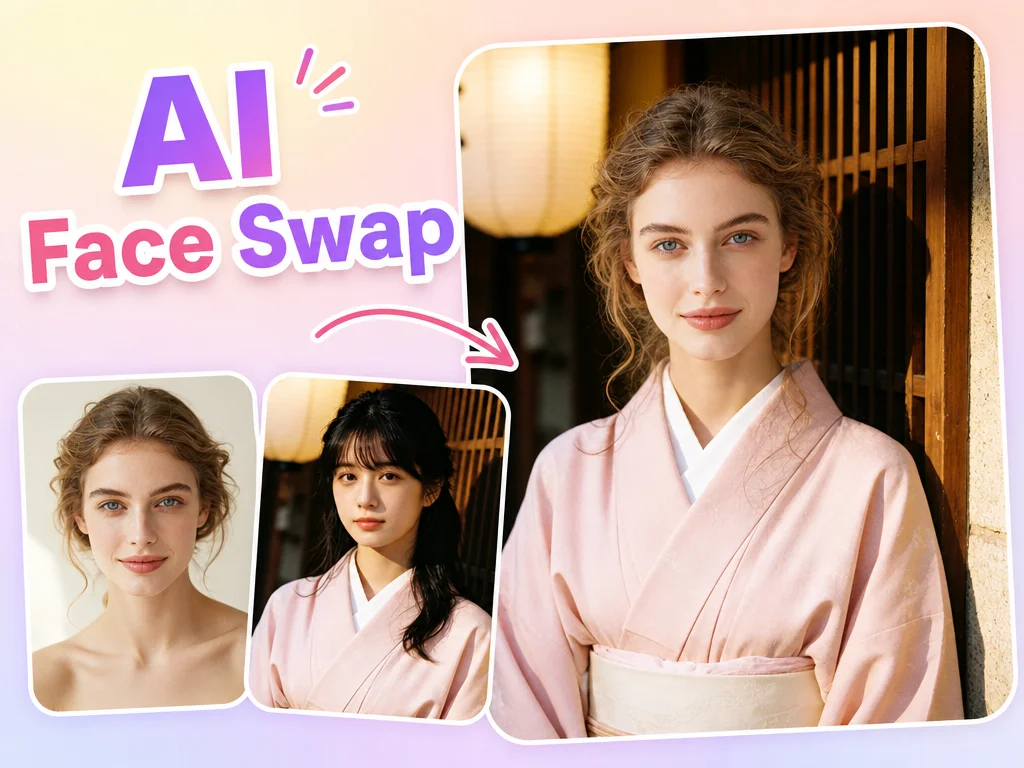
Blend one face into another photo while preserving the target scene.
Turn a selfie into a polished professional portrait for work profiles.
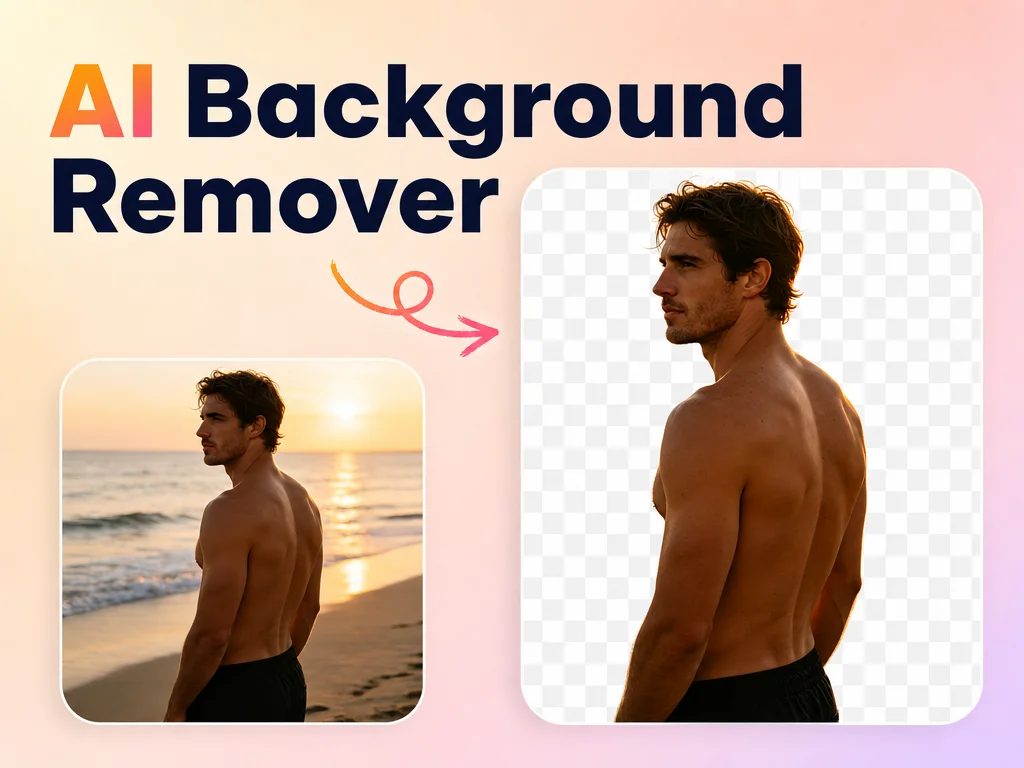
Cut subjects out cleanly and prepare a transparent PNG.
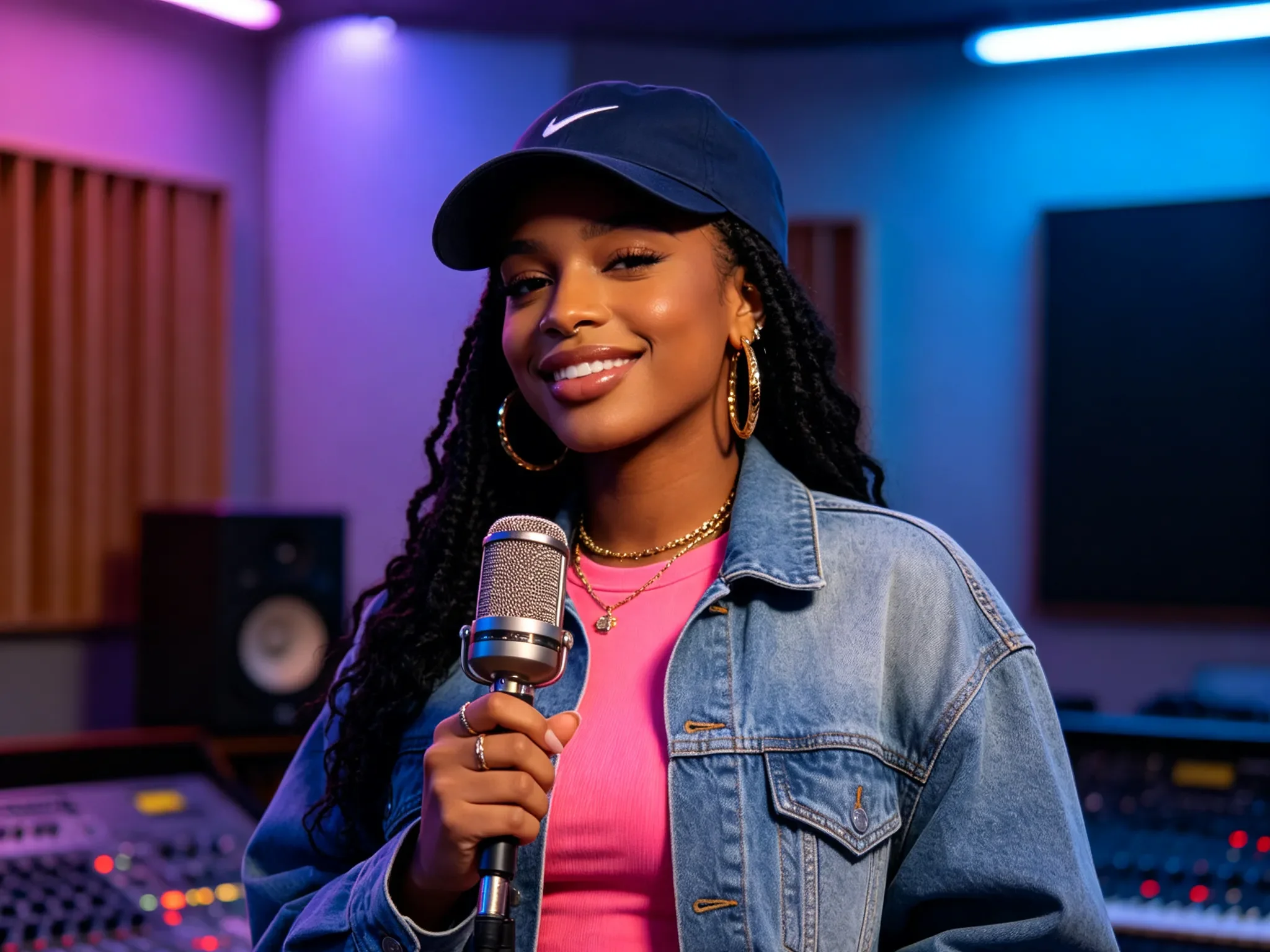
Describe an idea and choose from four AI image models.
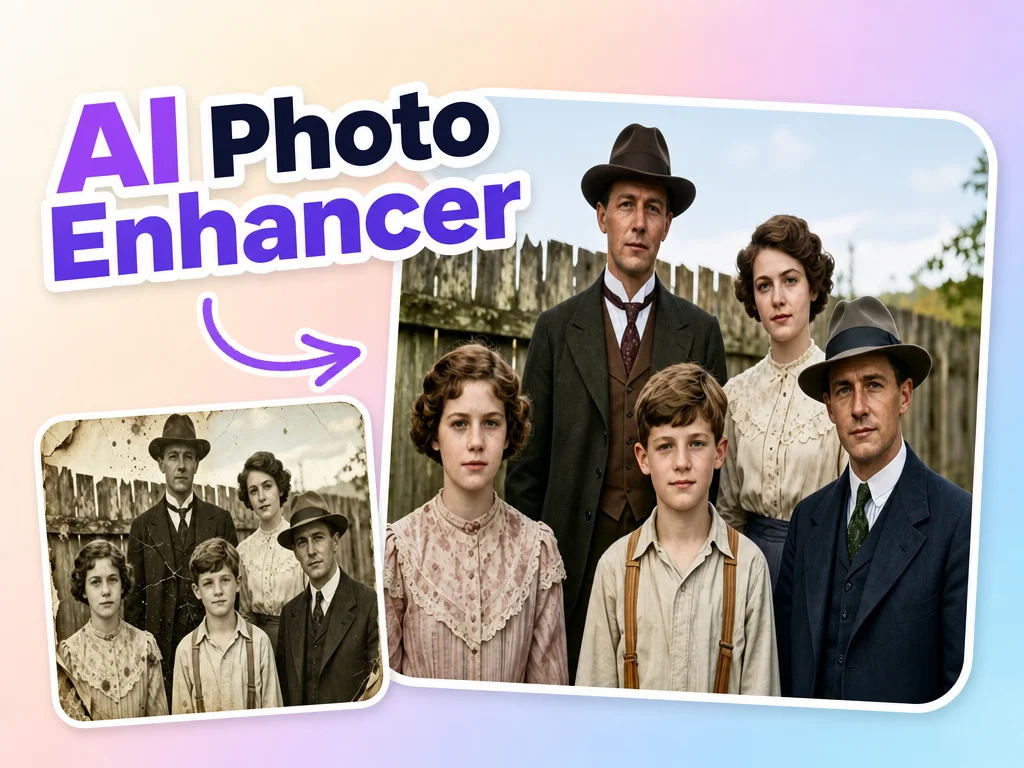
Improve clarity, color, and lighting while keeping the photo recognizable.
Enlarge a photo with a real, measurable output scale.
Mark an unwanted object and rebuild the selected area cleanly.
Transform a photo into anime, comic, or 3D-inspired artwork.
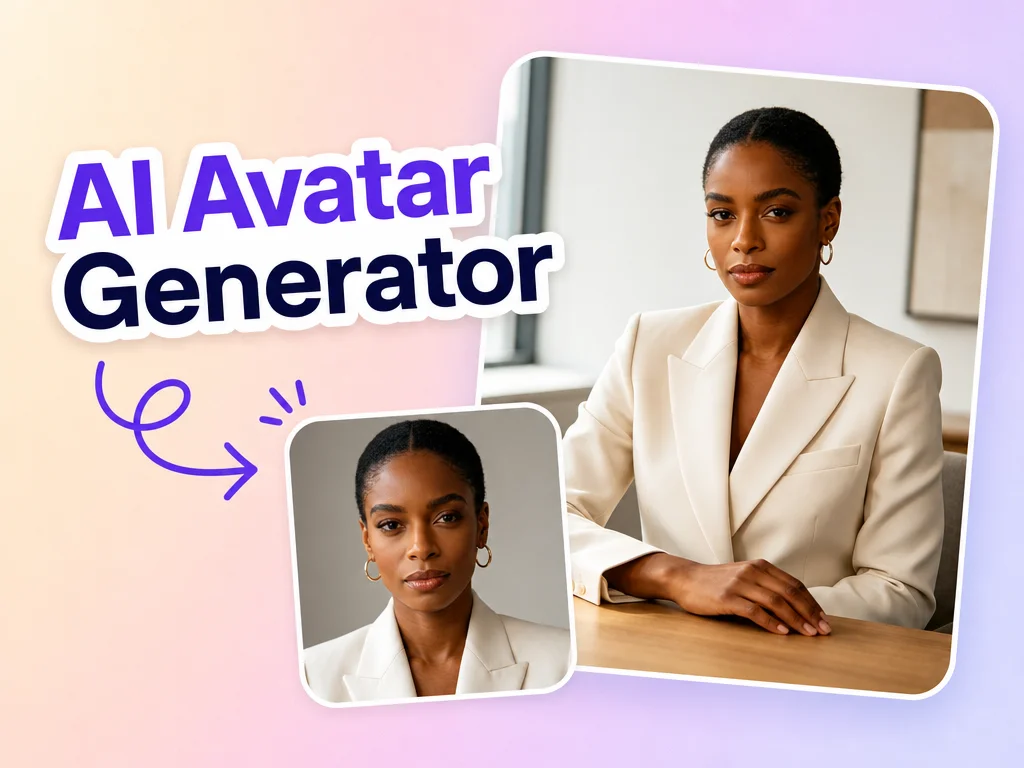
Turn one portrait into a distinctive profile avatar while keeping you recognizable.
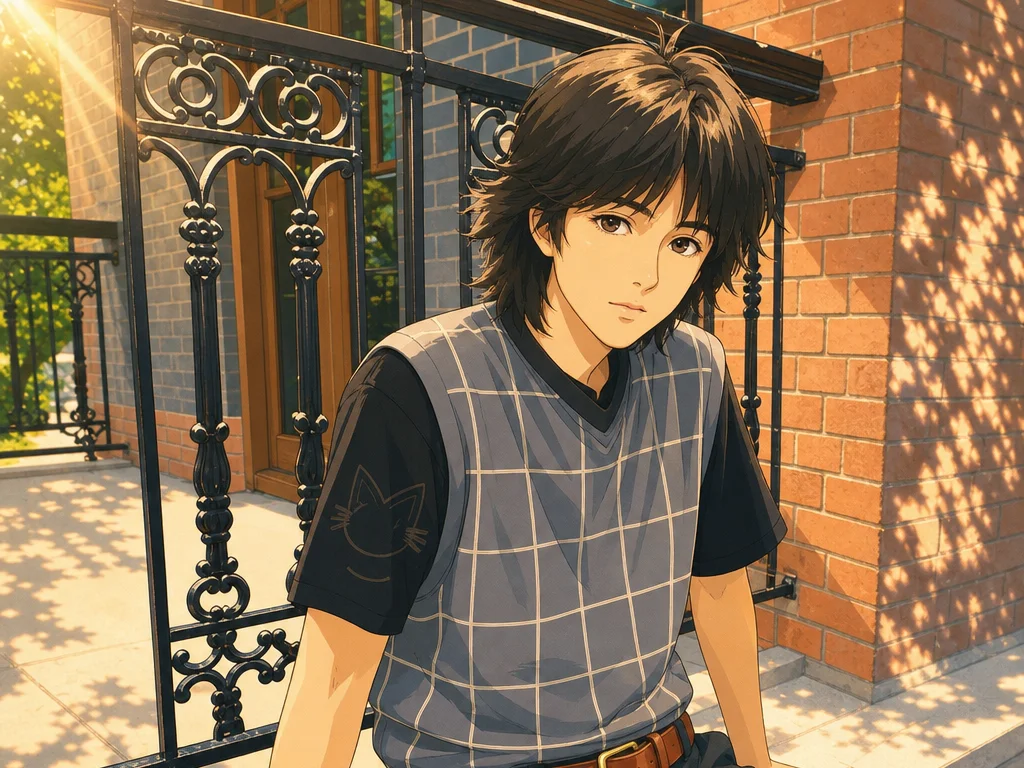
Turn a photo into warm, whimsical hand-painted animation-inspired art.
A focused workspace for the image tools available in the current beta.
Choose FLUX.2 Turbo, Seedream 5.0 Lite, Nano Banana 2, or FLUX.2 Pro. Output size depends on the model.
Submit a task, follow its progress, and download the result when the provider finishes processing it.
Echo does not persist your images in its own database or object store. Fal.ai handles inputs and results temporarily.
Use the responsive web interface in a supported browser. AI processing runs through Echo's server and Fal.ai.
Each tool asks only for the inputs it needs, from no image for generation to two clearly labeled photos for face swap.
Live, beta, and coming-soon tools are clearly separated, so specialist features are not simulated with a prompt.
Open a dedicated workspace for image generation, headshots, cartoons, face swap, or enhancement.
Write a prompt or upload the labeled JPG, PNG, or WebP images requested by that tool, up to 4 MiB each.
Follow the asynchronous task, preview the stored result, and download the image when it is ready.
Echo separates production-ready workspaces, experimental edits, and specialist capabilities that are still being built.
Turn one clear selfie into a business, executive, or creative portrait while asking Seedream 5.0 Lite to preserve identity.
Describe a subject, setting, composition, lighting, and mood to generate a new image without uploading a source image.
Upload a portrait and choose an anime, comic, or stylized 3D direction while retaining the person and composition.
Provide an identity and target photo in clearly labeled slots. This general-model workflow remains an experimental beta.
Ask Seedream 5.0 Lite to improve clarity, exposure, color, and artifacts while preserving the original content and framing.
True alpha background removal, mask-based object removal, and dedicated super-resolution remain disabled until specialist models are connected.
Choose from four text-to-image models and explore reference-image editing. Start with signup credits — no installation required.
Explore beta tools